Turn Documents Into Engaging Videos
Upload your PDF or presentation — AI creates a video with avatars, narration, and subtitles automatically.
How It Works
Three steps to transform any document into a professional video
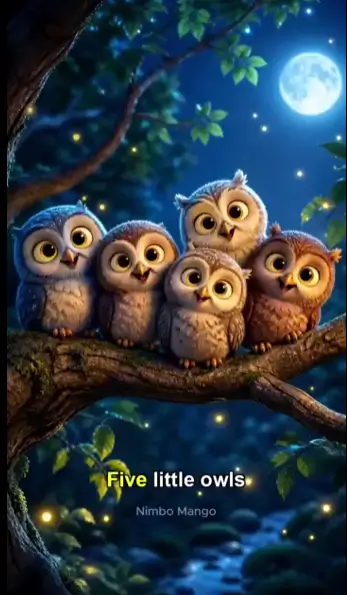
Upload Your Document
Upload a PDF, PowerPoint, Word doc, or any text document. We extract the content automatically.
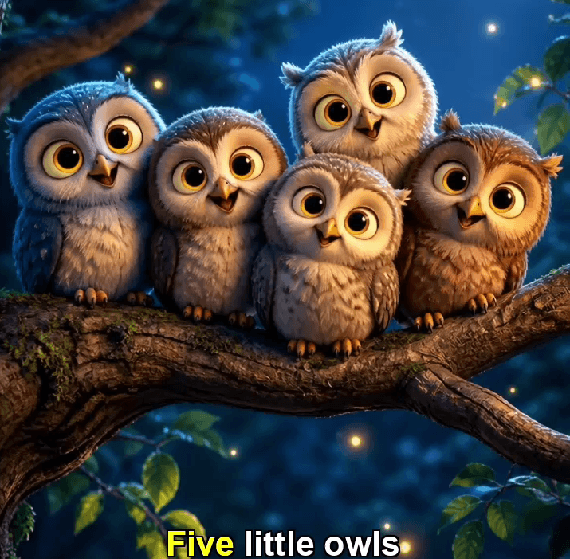
AI Creates Your Video
AI generates scenes, selects visuals, adds avatar narration, and creates smooth transitions.
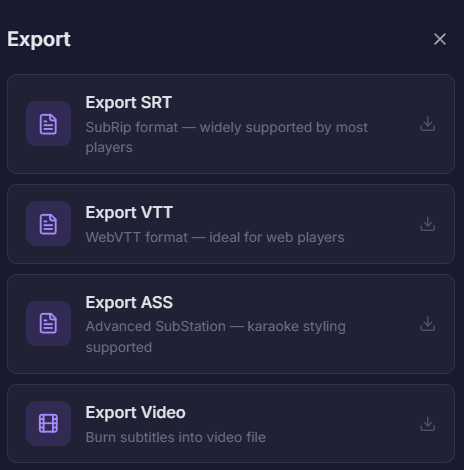
Customize & Export
Adjust avatar, voice, style, and pacing. Export in HD with subtitles included.
Powerful Conversion Features
AI handles scene creation, narration, animations, and branding automatically
AI Scene Generation
Automatically creates visual scenes from your document content with relevant imagery.
AI Narration
Natural-sounding voiceover reads your content with proper pacing and emphasis.
Smart Layouts
AI selects the best layout for each section — text, images, charts, bullet points.
Custom Branding
Apply your brand colors, logo, and fonts for consistent professional output.
Auto Animations
Smooth transitions, text animations, and visual effects added automatically.
Multi-Language
Generate videos with narration in 50+ languages from any document language.
AI Avatars That
Present Your Content
Choose from 20+ realistic AI avatars to narrate your document. They speak naturally and make your content engaging and personal.
- Realistic AI presenters with natural gestures
- Male and female avatars
- Custom avatar positioning and sizing
- Voice selection with tone control
Supports All Document Formats
Upload any document type and get a professional video
Research papers, reports, ebooks
PowerPoint
Presentations and slide decks
Word
Articles, essays, documentation
Google Docs
Shared documents and notes
Markdown
Technical docs and READMEs
Plain Text
Scripts, outlines, any text
Perfect For Every Use Case
From education to enterprise — turn any document into video
Education & Training
Convert lecture notes, textbooks, and training manuals into engaging video lessons students love.
Marketing Content
Turn whitepapers, case studies, and blog posts into shareable video content for social media.
Corporate Comms
Transform internal memos, policies, and reports into digestible video updates for your team.
Sales Enablement
Convert product docs and proposals into compelling video pitches that close deals faster.
Why Convert Documents to Video?
Video outperforms text in engagement, retention, and shareability
Save Time
What takes days of video production takes minutes with AI document conversion.
Higher Retention
Viewers retain 65% more from video than reading the same document.
More Engagement
Video content gets 1200% more shares than text and images combined.
Cost Effective
No need for cameras, studios, editors, or voice actors.
Frequently Asked Questions
Everything about converting documents to video
What document formats can I convert to video?
How does the AI create video from a document?
Can I choose the AI avatar and voice?
How long does conversion take?
Can I edit the video after generation?
What video quality and formats are available?
Ready to turn your document into a video?
Start for free. No credit card required.